<a>: the whole point of HTML
A hyperlink looks like <a href="URL">text</a>. a is for anchor.
An absolute link to example.com (full URL, works anywhere)
A relative link to Module 1 (relative to this file)
An anchor link. Jump down to a section
target="_blank" to a new tab (add rel="noopener" for security)
<a href="https://example.com">absolute (any site)</a>
<a href="about.html">relative (same folder)</a>
<a href="../index.html">up one folder</a>
<a href="#section-id">jump within page</a>
<a href="https://example.com" target="_blank" rel="noopener">new tab</a>
Gotcha: Don't use
href="#" as a placeholder. It jumps to top and adds history. Use href="" or better, don't make it a link.You landed on #demo-anchor. That's how anchor links work; they jump to their id, which in this case, id="demo-anchor".
<img>, and why alt text is not optional
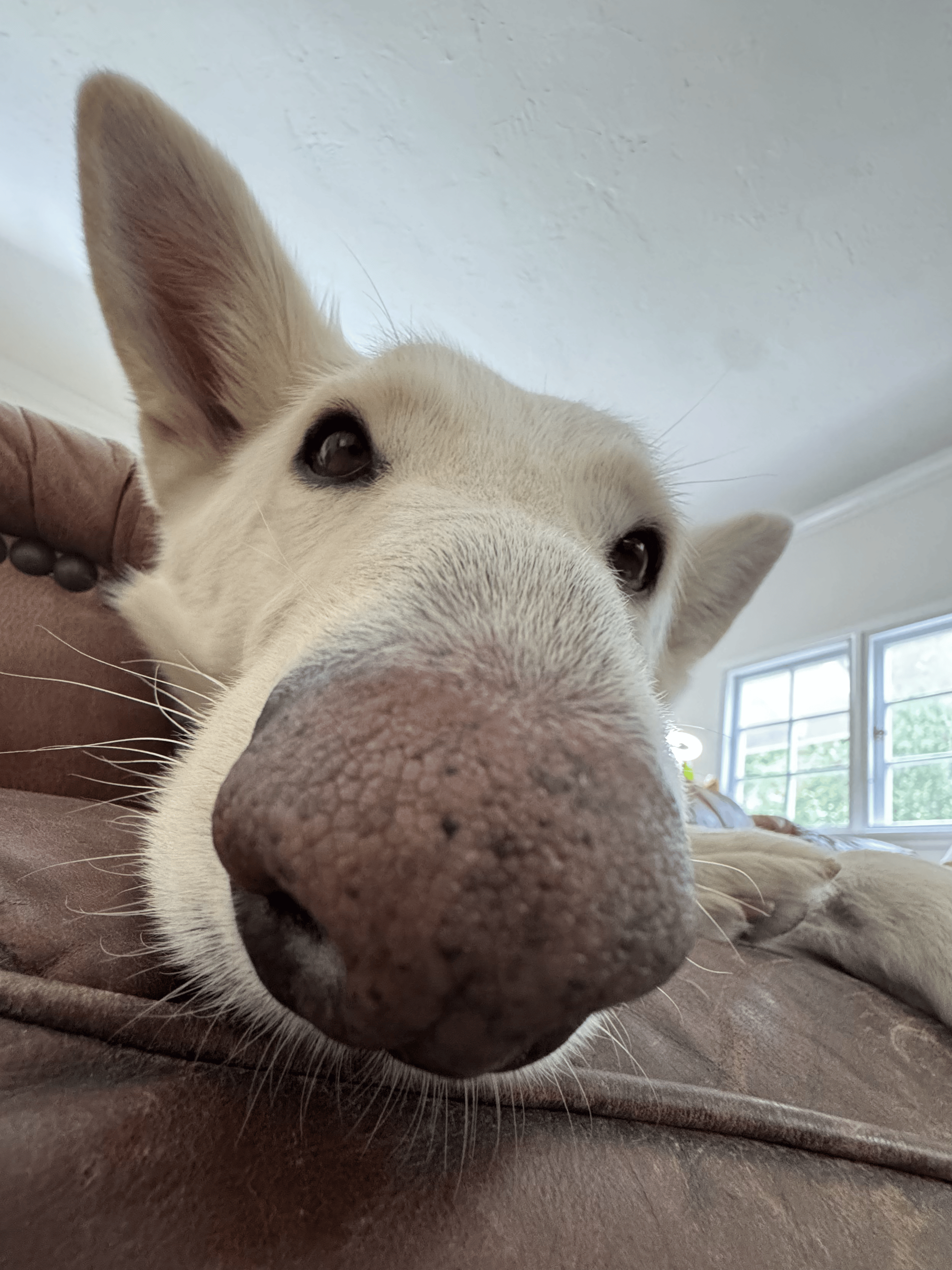
<figure> with <figcaption>. alt describes the image for screen readers.Broken image demo:

If src is wrong you see a broken-icon plus the alt text.
<img src="photo.jpg" alt="Cat loaf on keyboard, judging you" width="400" height="300">
<figure>
  <img src="photo.jpg" alt="...">
  <figcaption>Caption here</figcaption>
</figure>altis required. Emptyalt=""means "decorative, ignore". Otherwise describe it.width/heightprevents layout shift while loading (because the browser reserves space).
File paths: ./, ../, and /
Assume this structure:
site/
  index.html
  about/
    index.html
  assets/
    cat.jpg
  css/
style.css| Path | Means | From about/index.html |
|---|---|---|
cat.jpg / ./cat.jpg | same folder | incorrect. looks for about/cat.jpg |
../assets/cat.jpg | up one, then into assets | correct |
/assets/cat.jpg | site root | works if served via http (not file://) |
../css/style.css | up one, into css | correct |
Gotcha: Leading
/ means "from domain root". It works on https://yoursite.com/ but breaks when opened as file:///Users/you/site/index.html. Use relative paths (../) while learning, or run a local server.Why it works: Browser resolves relative URLs against the current page's URL. The Network tab in DevTools shows 404s with the full resolved path.
- Create
index.html,about.html,gallery/index.html, andassets/cat.jpg(any image). - Make every page link to the other two with relative paths. Show
cat.jpgon all three. - Break it on purpose with the wrong path, and check DevTools Network, then fix it.
Checklist
- From
gallery/index.html, cat is at../assets/cat.jpg - From
gallery/index.html, home is../index.html - All links use relative, not
/